


[SDL3] Particle 파티클 (Snow) 2
SDL, raylib 2025. 7. 23. 16:33 |반응형
파티클은 아니지만 차일드 윈도우로 화면에 내리는 눈을 만들어 보자.
// 차일드 윈도우가 100개 정도만 되어도 엄청 느려지고 잘 안된다.
// 그러다 그 이상되면 101번째 윈도우 생성시(정확히는 렌더러 생성시) 아래와 같은 Access Violation이 발생한다.
// Exception thrown at 0x00007FF8EE239D68 (nvd3dumx.dll) in SDLTest.exe: 0xC0000005 : Access violation reading location 0x0000000000000038.
// SDL3가 문제인지, 그래픽 드라이버가 문제인지... 정확히는 모르겠지만 아무래도 그래픽 드라이버 문제같다.

#define SDL_MAIN_USE_CALLBACKS 1
#include <SDL3/SDL.h>
#include <SDL3/SDL_main.h>
#include <stdio.h>
#include <windows.h>

SDL_Window* window = NULL;
SDL_Renderer* renderer = NULL;

const int number_flakes = 10;
int screen_width;
int screen_height;

SDL_Window* subwindow[number_flakes]; // 서브 윈도우
SDL_Renderer* subrenderer[number_flakes]; // 서브 윈도우 렌더러

typedef struct position {
	float x, y;
	float vx, vy;
} s_position;
s_position subwindow_pos[number_flakes]; // 서브 윈도우 위치

// 파티클 이미지 텍스쳐와 렉트
SDL_Texture* texture[number_flakes];
SDL_FRect rect;

SDL_AppResult SDL_AppInit(void** appstate, int argc, char* argv[])
{
	ShowWindow(GetConsoleWindow(), SW_HIDE);
	// 콘솔 창 숨김. Project - Property Pages - Linker - System - SubSystem - Windows로 바꿔서 컴파일해도 된다.

	SDL_SetAppMetadata("Example", "1.0", "sean");

	if (!SDL_Init(SDL_INIT_VIDEO)) {
		SDL_Log("Couldn't initialize SDL: %s", SDL_GetError());
		return SDL_APP_FAILURE;
	}

	// 부모	윈도우 생성하고 최소화
	if (!SDL_CreateWindowAndRenderer("Press ESC to Quit", 320, 32, SDL_WINDOW_MINIMIZED, &window, &renderer)) {
		SDL_Log("Couldn't create window/renderer: %s", SDL_GetError());
		return SDL_APP_FAILURE;
	}

	// 비트맵 로드
	SDL_Surface* bmpSurface = SDL_LoadBMP("snow.bmp");
	if (!bmpSurface) {
		SDL_Log("Couldn't load BMP: %s", SDL_GetError());
		return SDL_APP_FAILURE;
	}

	// 컬러키(투명) 설정
	SDL_SetSurfaceColorKey(bmpSurface, true, SDL_MapSurfaceRGB(bmpSurface, 0x00, 0x00, 0x00));
	//SDL_SetSurfaceColorKey(bmpSurface, true, SDL_MapRGB(SDL_GetPixelFormatDetails(bmpSurface->format), NULL, 0x00, 0x00, 0x00));
	rect = { 0, 0, (float)bmpSurface->w, (float)bmpSurface->h };

	// 현재 디스플레이 정보 가져오기(해상도, 주사율 등)
	const SDL_DisplayMode* displaymode = SDL_GetCurrentDisplayMode(SDL_GetPrimaryDisplay());
	screen_width = displaymode->w / 3;
	screen_height = displaymode->h / 3;

	for (int i = 0; i < number_flakes; i++) {
		subwindow_pos[i].x = (float)SDL_rand(screen_width);
		subwindow_pos[i].y = (float)SDL_rand(screen_height); // 서브 윈도우 위치 설정
		subwindow_pos[i].vx = SDL_randf() * 0.5f;
		subwindow_pos[i].vy = SDL_randf() + 0.8f;

		/*
		// 서브 윈도우 생성
		SDL_PropertiesID props = SDL_CreateProperties(); // Create Properties
		SDL_SetBooleanProperty(props, SDL_PROP_WINDOW_CREATE_TRANSPARENT_BOOLEAN, true);
		SDL_SetBooleanProperty(props, SDL_PROP_WINDOW_CREATE_BORDERLESS_BOOLEAN, true);
		SDL_SetBooleanProperty(props, SDL_PROP_WINDOW_CREATE_ALWAYS_ON_TOP_BOOLEAN, true);
		SDL_GetBooleanProperty(props, SDL_PROP_WINDOW_CREATE_MENU_BOOLEAN, true);
		SDL_SetNumberProperty(props, SDL_PROP_WINDOW_CREATE_WIDTH_NUMBER, rect.w);
		SDL_SetNumberProperty(props, SDL_PROP_WINDOW_CREATE_HEIGHT_NUMBER, rect.h);
		SDL_SetNumberProperty(props, SDL_PROP_WINDOW_CREATE_X_NUMBER, subwindow_pos[i].x);
		SDL_SetNumberProperty(props, SDL_PROP_WINDOW_CREATE_Y_NUMBER, subwindow_pos[i].y);
		SDL_SetPointerProperty(props, SDL_PROP_WINDOW_CREATE_PARENT_POINTER, window);

		subwindow[i] = SDL_CreateWindowWithProperties(props);
		if (!subwindow[i]) {
			SDL_Log("Couldn't create subwindow: %s", SDL_GetError());
			return SDL_APP_FAILURE;
		}

		subrenderer[i] = SDL_CreateRenderer(subwindow[i], NULL);
		if (!subrenderer[i]) {
			SDL_Log("Couldn't create subwindow renderer: %s", SDL_GetError());
			return SDL_APP_FAILURE;
		}
		*/

		// 위 주석의 코드와 동일
		if (!SDL_CreateWindowAndRenderer("Sub Window", (int)rect.w, (int)rect.h, SDL_WINDOW_BORDERLESS | SDL_WINDOW_ALWAYS_ON_TOP | SDL_WINDOW_TRANSPARENT, &subwindow[i], &subrenderer[i])) {
			SDL_Log("Couldn't create subwindow and subrenderer: %s", SDL_GetError());
			return SDL_APP_FAILURE;
		}
		SDL_SetWindowParent(subwindow[i], window); // 서브 윈도우 부모 설정
		SDL_SetWindowPosition(subwindow[i], (int)subwindow_pos[i].x, (int)subwindow_pos[i].y);

		SDL_SetRenderDrawBlendMode(subrenderer[i], SDL_BLENDMODE_BLEND);
	}

	for (int i = 0; i < number_flakes; i++) {
		texture[i] = SDL_CreateTextureFromSurface(subrenderer[i], bmpSurface);
		if (!texture[i]) {
			SDL_Log("Couldn't create texture: %s", SDL_GetError());
			return SDL_APP_FAILURE;
		}
	}

	SDL_DestroySurface(bmpSurface);

	return SDL_APP_CONTINUE;
}

SDL_AppResult SDL_AppEvent(void* appstate, SDL_Event* event)
{
	switch (event->type) {
	case SDL_EVENT_QUIT:
		return SDL_APP_SUCCESS;
	case SDL_EVENT_KEY_DOWN:
		printf("Key pressed: %s\n", SDL_GetKeyName(event->key.key));
		if (event->key.key == SDLK_ESCAPE)
			return SDL_APP_SUCCESS;
		break;
	default:
		break;
	}

	return SDL_APP_CONTINUE;
}

SDL_AppResult SDL_AppIterate(void* appstate)
{
	SDL_Delay(1000 / 60); // 60 FPS

	SDL_SetRenderDrawColor(renderer, 0, 0, 0, SDL_ALPHA_OPAQUE);
	SDL_RenderClear(renderer);

	SDL_RenderPresent(renderer);

	for (int i = 0; i < number_flakes; i++) {
		SDL_SetRenderDrawColor(subrenderer[i], 0, 0, 0, SDL_ALPHA_TRANSPARENT);
		SDL_RenderClear(subrenderer[i]);
		SDL_RenderTexture(subrenderer[i], texture[i], NULL, &rect);
		SDL_RenderPresent(subrenderer[i]);

		// 서브 윈도우 위치 업데이트
		subwindow_pos[i].x += subwindow_pos[i].vx; // 오른쪽으로 이동
		subwindow_pos[i].y += subwindow_pos[i].vy; // 아래로 이동

		if (subwindow_pos[i].x > screen_width) {
			subwindow_pos[i].x = 0; // 화면 왼쪽으로 다시 이동
		}
		if (subwindow_pos[i].y > screen_height) {
			subwindow_pos[i].y = 0; // 화면 위로 다시 이동
		}
		SDL_SetWindowPosition(subwindow[i], (int)subwindow_pos[i].x, (int)subwindow_pos[i].y);
	}

	return SDL_APP_CONTINUE;
}

void SDL_AppQuit(void* appstate, SDL_AppResult result)
{
	for (int i = 0; i < number_flakes; i++) {
		SDL_DestroyTexture(texture[i]);
		SDL_DestroyRenderer(subrenderer[i]);
		SDL_DestroyWindow(subwindow[i]);
	}

	SDL_DestroyRenderer(renderer);
	SDL_DestroyWindow(window);

	SDL_Quit();
}

하지만 위 예처럼 눈의 수 만큼 차일드 윈도우를 생성하는건 부담스럽다.
특별한 비활성화 투명 윈도우를 생성하는 방식으로 바꿔보자.
#define SDL_MAIN_USE_CALLBACKS 1
#include "SDL3/SDL.h"
#include "SDL3/SDL_main.h"
#include <stdio.h>

#include <windows.h>
#include <WinUser.h>

SDL_Window* window = NULL;
SDL_Renderer* renderer = NULL;

int screen_width = GetSystemMetrics(SM_CXSCREEN);
int screen_height = GetSystemMetrics(SM_CYSCREEN);

Uint64 start;
Uint64 end;
float fps;

typedef struct {
	float x, y;
	float vx, vy;
} s_particle;

const int number_particles = 2000;
s_particle particles[number_particles];

// 파티클 이미지 텍스쳐와 렉트
SDL_Texture* texture;
SDL_FRect rect;

void spawn_particle(s_particle* pt) {
	pt->x = (SDL_randf() * 2 - 1) * screen_width * 10;
	pt->y = SDL_randf() * screen_height * -2;
	// 넓은 범위에서 눈이 생성되게 해서 실행 초기에 눈이 쏟아져 내리는걸 방지.
	pt->vx = SDL_randf() * 0.5f; // 눈은 오른쪽으로만 흩날린다.
	pt->vy = SDL_randf() + 0.8f;
}

void draw_particle(s_particle pt[]) {
	for (int i = 0; i < number_particles; i++) {
		s_particle* particle = &pt[i];
		particle->x += particle->vx;
		particle->y += particle->vy;
		// 눈이 화면 왼쪽에서도 바람에 날려 올 수 있도록 생존 범위 조정.
		if (particle->x > screen_width || particle->x < -screen_width || particle->y > screen_height)
			spawn_particle(particle);

		// 텍스쳐 그리기
		rect.x = particle->x - rect.w / 2;
		rect.y = particle->y - rect.h / 2;
		SDL_RenderTexture(renderer, texture, NULL, &rect);

		//SDL_SetRenderDrawColor(renderer, 255, 0, 0, SDL_ALPHA_OPAQUE);
		//SDL_RenderPoint(renderer, particle->x, particle->y);
	}
}

SDL_AppResult SDL_AppInit(void** appstate, int argc, char* argv[])
{
	SDL_SetAppMetadata("Example", "1.0", "sean");

	if (!SDL_Init(SDL_INIT_VIDEO)) {
		SDL_Log("Couldn't initialize SDL: %s", SDL_GetError());
		return SDL_APP_FAILURE;
	}

	SDL_SetHint(SDL_HINT_RENDER_VSYNC, "1");
	// A variable controlling whether updates to the SDL screen surface should be synchronized
	// with the vertical refresh, to avoid tearing.

	// 디스플레이 스케일 정보 확인
	SDL_DisplayID display = SDL_GetPrimaryDisplay(); // Return the primary display
	SDL_Log("DisplayID: %u", display);
	float display_scale = SDL_GetDisplayContentScale(display);
	SDL_Log("Display Scale: %f", display_scale);
	SDL_Log("Original Display Size: (%d X %d)", screen_width, screen_height);

	// 스케일 적용
	screen_width = int(screen_width * display_scale);
	screen_height = int(screen_height * display_scale);

	SDL_Log("Scaled Display Size: (%d X %d)", screen_width, screen_height);

	if (!SDL_CreateWindowAndRenderer("example", screen_width, screen_height, SDL_WINDOW_TRANSPARENT | SDL_WINDOW_BORDERLESS | SDL_WINDOW_FULLSCREEN, &window, &renderer)) {
		SDL_Log("Couldn't create window/renderer: %s", SDL_GetError());
		return SDL_APP_FAILURE;
	}

	// 투명 배경 설정을 위해 블렌드 모드 설정
	SDL_SetRenderDrawBlendMode(renderer, SDL_BLENDMODE_BLEND);

	// 윈도우 핸들 가져오기
	SDL_PropertiesID props = SDL_GetWindowProperties(window);
	HWND hwnd = (HWND)SDL_GetPointerProperty(props, SDL_PROP_WINDOW_WIN32_HWND_POINTER, NULL);
	// 윈도우 투명 및 클릭 무시 설정
	SetWindowLongPtr(hwnd, GWL_EXSTYLE, GetWindowLongPtr(hwnd, GWL_EXSTYLE) | WS_EX_LAYERED | WS_EX_TRANSPARENT);
	// 항상 위에 표시, 사이즈, 위치 변경, 활성화 금지
	SetWindowPos(hwnd, HWND_TOPMOST, 0, 0, 0, 0, SWP_NOMOVE | SWP_NOSIZE | SWP_NOACTIVATE);

	for (int i = 0; i < number_particles; i++) {
		spawn_particle(&particles[i]);
	}

	// 비트맵 로드
	SDL_Surface* bmpSurface = SDL_LoadBMP("snow.bmp");
	if (!bmpSurface) {
		SDL_Log("Couldn't load BMP: %s", SDL_GetError());
		return SDL_APP_FAILURE;
	}

	// 컬러키(투명) 설정
	SDL_SetSurfaceColorKey(bmpSurface, true, SDL_MapSurfaceRGB(bmpSurface, 0x00, 0x00, 0x00));
	//SDL_SetSurfaceColorKey(bmpSurface, true, SDL_MapRGB(SDL_GetPixelFormatDetails(bmpSurface->format), NULL, 0x00, 0x00, 0x00));
	rect = { 0, 0, (float)bmpSurface->w, (float)bmpSurface->h };
	texture = SDL_CreateTextureFromSurface(renderer, bmpSurface);

	SDL_DestroySurface(bmpSurface);

	return SDL_APP_CONTINUE;
}

SDL_AppResult SDL_AppEvent(void* appstate, SDL_Event* event)
{
	switch (event->type) {
	case SDL_EVENT_QUIT:
		return SDL_APP_SUCCESS;
	case SDL_EVENT_KEY_DOWN:
		printf("Key pressed: %s\n", SDL_GetKeyName(event->key.key));
		if (event->key.key == SDLK_ESCAPE)
			return SDL_APP_SUCCESS;
		break;
	default:
		break;
	}

	return SDL_APP_CONTINUE;
}

SDL_AppResult SDL_AppIterate(void* appstate)
{
	// FPS 계산. 사용하지는 않음.
	start = SDL_GetPerformanceCounter();

	{
		// 반투명 배경으로 클리어
		SDL_SetRenderDrawColor(renderer, 0, 0, 0, 128);
		SDL_RenderClear(renderer);

		draw_particle(particles);

		SDL_RenderPresent(renderer);
	}

	end = SDL_GetPerformanceCounter();
	fps = 1.0f / ((end - start) / (float)SDL_GetPerformanceFrequency());

	return SDL_APP_CONTINUE;
}

void SDL_AppQuit(void* appstate, SDL_AppResult result)
{
	SDL_DestroyTexture(texture);

	SDL_DestroyRenderer(renderer);
	SDL_DestroyWindow(window);
	SDL_Quit();
}
※ 참고
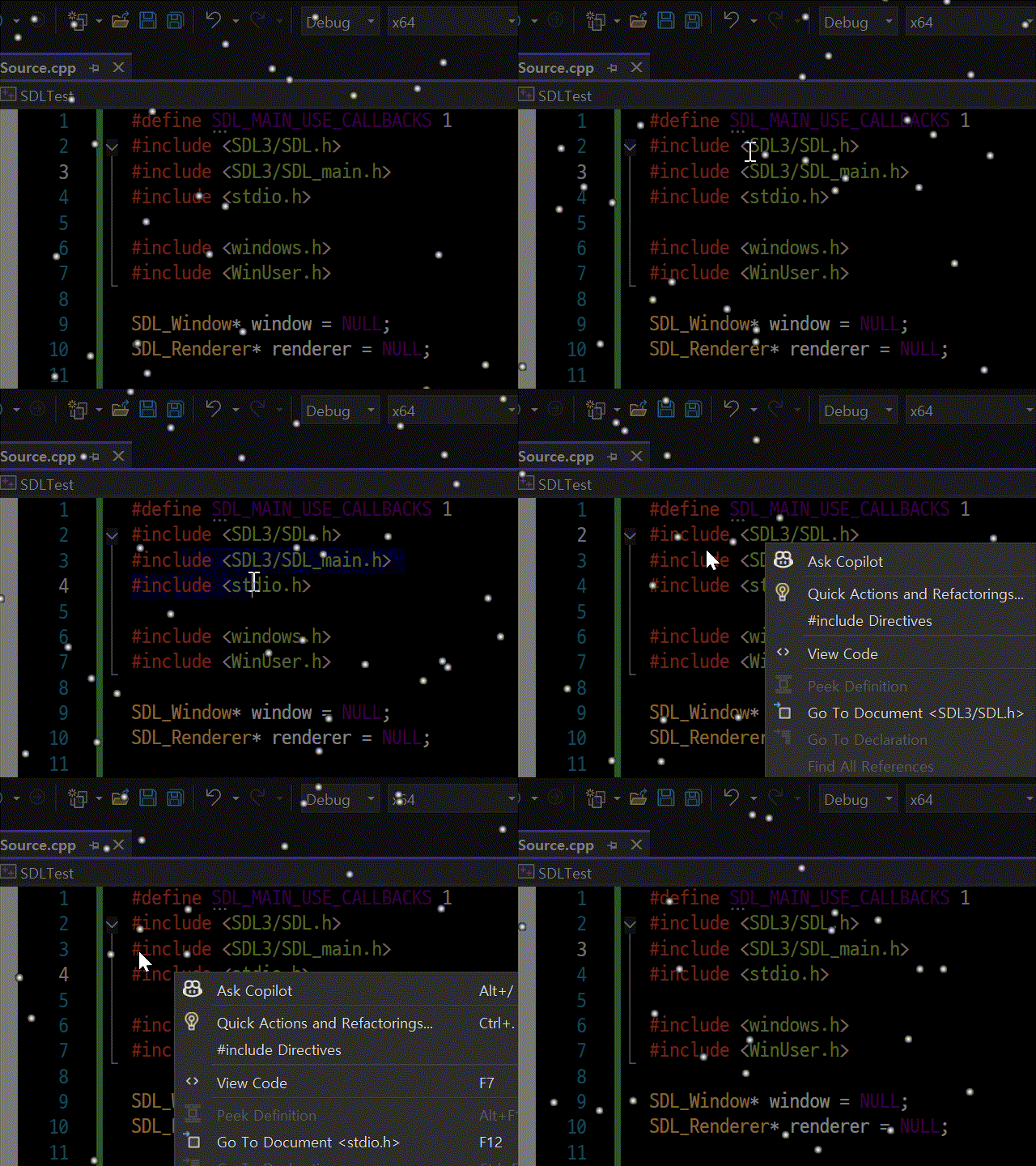
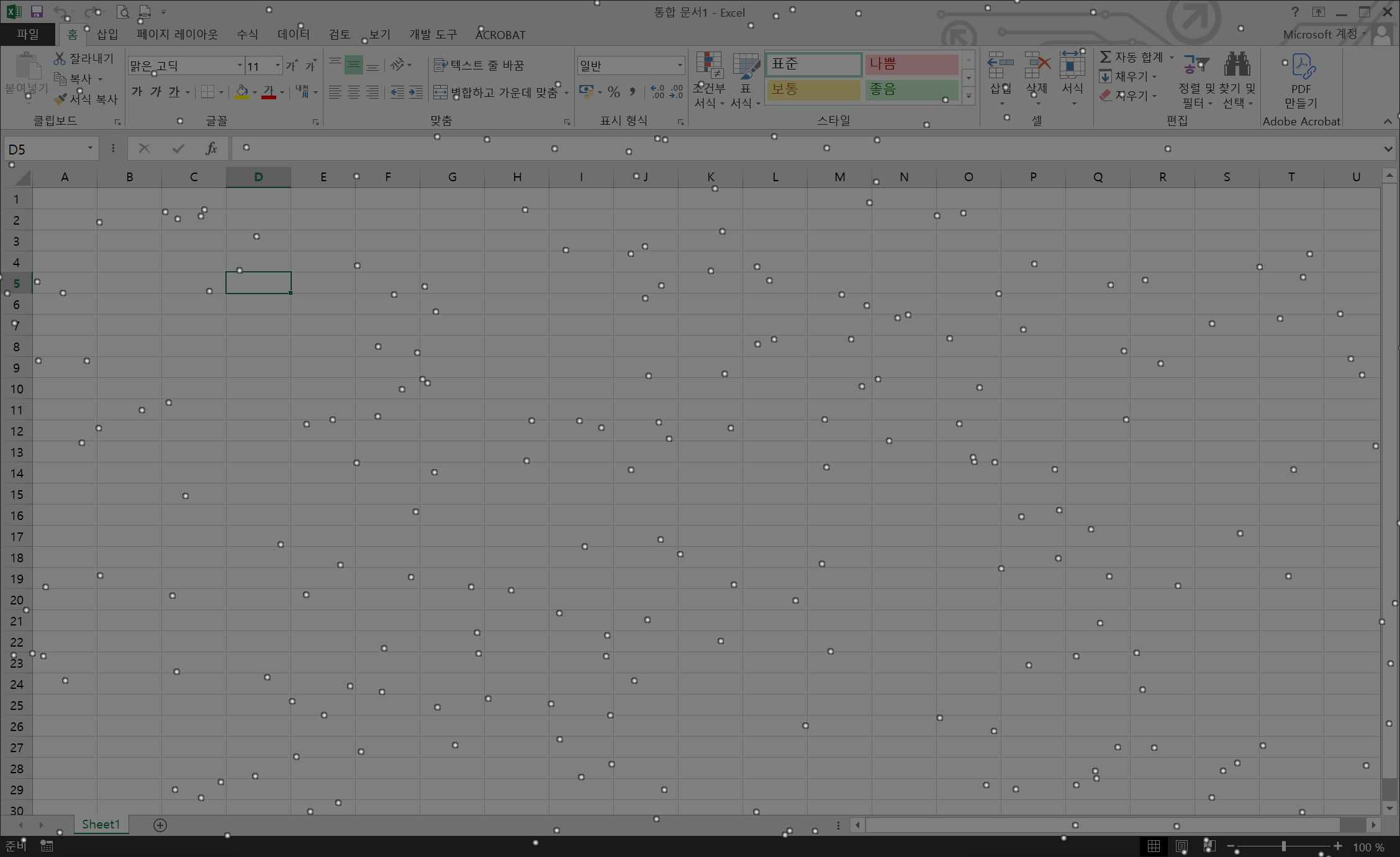
위 코드에서는 화면 배율이 1이 아닌 경우를 위해 screen_width, screen_height 등의 정보를 Windows API를 이용해 확인하고, 화면 배율(display_scale)을 적용해 정확한 스크린 사이즈를 결정한다. 화면 배율이 1이 아닌 경우 정확한 스크린 사이즈 확인은 아래 링크와 같이 하는게 더 낫다.
2025.06.02 - [SDL, raylib] - [SDL3] Display Information 디스플레이 정보 가져오기
※ 참고
2025.04.18 - [SDL, raylib] - [SDL3] Particle 파티클 (Fireworks/Snow)
반응형
'SDL, raylib' 카테고리의 다른 글
| [SDL3] SDL Audio Wav (1) | 2025.12.16 |
|---|---|
| [SDL3] Parent Window Child Window Input Separation 부모 자식 윈도우 입력 구분하기 (0) | 2025.06.06 |
| [SDL3] Display Information 디스플레이 정보 가져오기 (0) | 2025.06.02 |
| [raylib] Window Handle 윈도우 핸들 (0) | 2025.05.04 |
| [raylib] Particle 파티클 (Snow) (0) | 2025.05.04 |