


[OpenCV] Polygon Mask 폴리곤 마스크 2
Computer Vision 2026. 3. 11. 23:31 |반응형
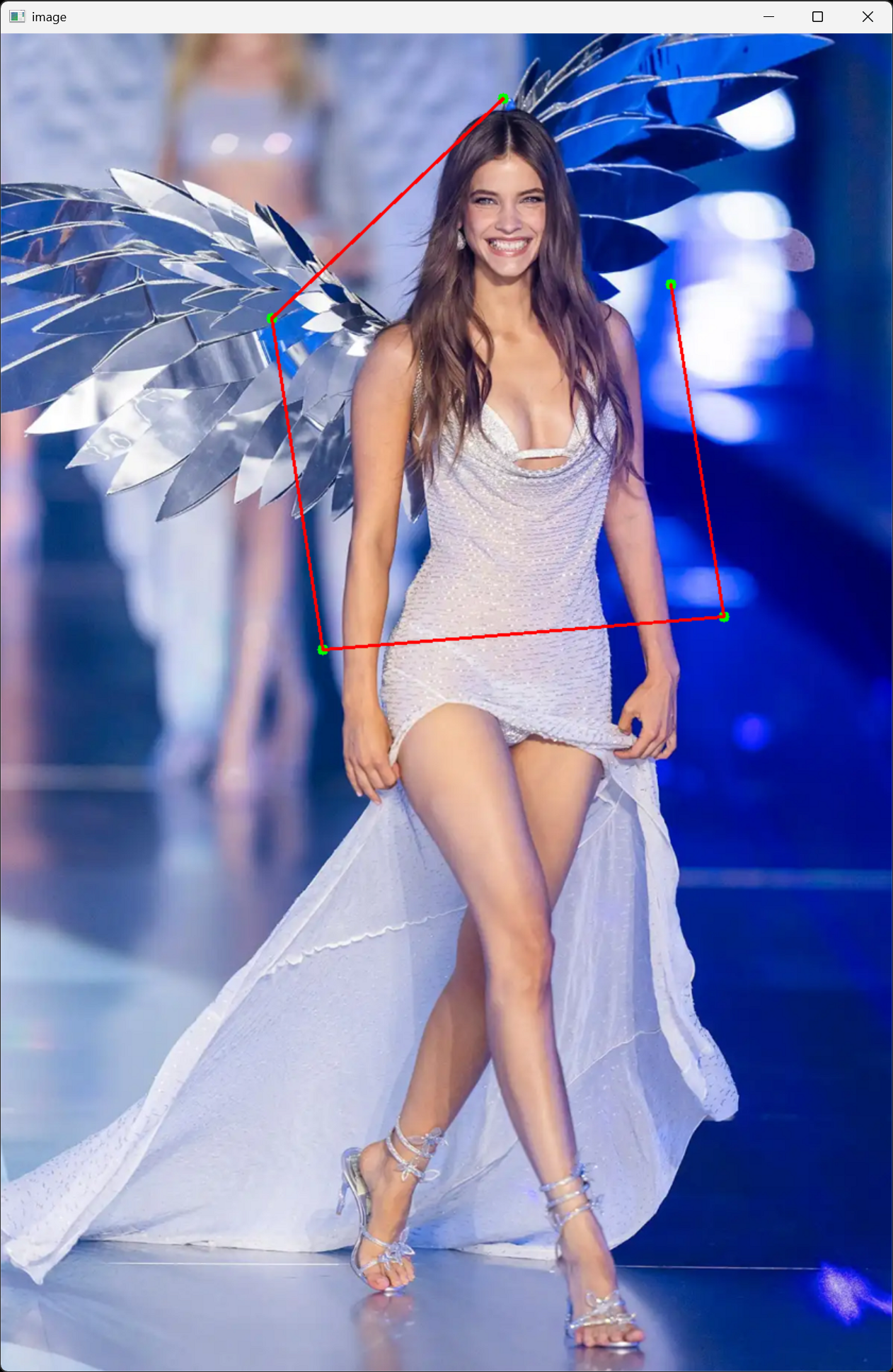
폴리곤 마스크를 생성하고 사용해 보자.
#include <iostream>
#include <opencv2/opencv.hpp>

void onMouse(int event, int x, int y, int flags, void* userdata)
{
	static std::vector<cv::Point> points; // Static vector to store points across function calls
	cv::Scalar color(0, 255, 0); // Green color for drawing
	cv::Mat* img = (cv::Mat*)userdata; // Cast the user data to a pointer to cv::Mat

	switch (event)
	{
	case cv::EVENT_LBUTTONDOWN:
		points.push_back(cv::Point(x, y));
		std::cout << "Point added: (" << x << ", " << y << ")" << std::endl;

		break;

	case cv::EVENT_RBUTTONDOWN:
		if (!points.empty())
		{
			points.pop_back(); // Remove the last point if right button is clicked
			std::cout << "Last point removed" << std::endl;
			*img = cv::imread("palvin1.png"); // Reload the original image to clear drawings
		}
		break;
	}

	// Draw points
	for (const cv::Point& point : points)
		cv::circle(*(cv::Mat*)userdata, point, 5, color, -1);
	// userdata로도 접근 가능하지만, img 포인터로도 접근 가능

	// Draw lines between points
	if (points.size() >= 2)
		for (int i = 0; i < points.size() - 1; i++)
			cv::line(*img, points[i], points[i + 1], cv::Scalar(0, 0, 255), 2);

	cv::imshow("image", *(cv::Mat*)userdata);
}

int main()
{
	cv::Mat image = cv::imread("palvin1.png");
	cv::namedWindow("image");
	cv::setMouseCallback("image", onMouse, (void*)&image);

	cv::imshow("image", image);

	cv::waitKey(0);
	cv::destroyAllWindows();

	return 0;
}
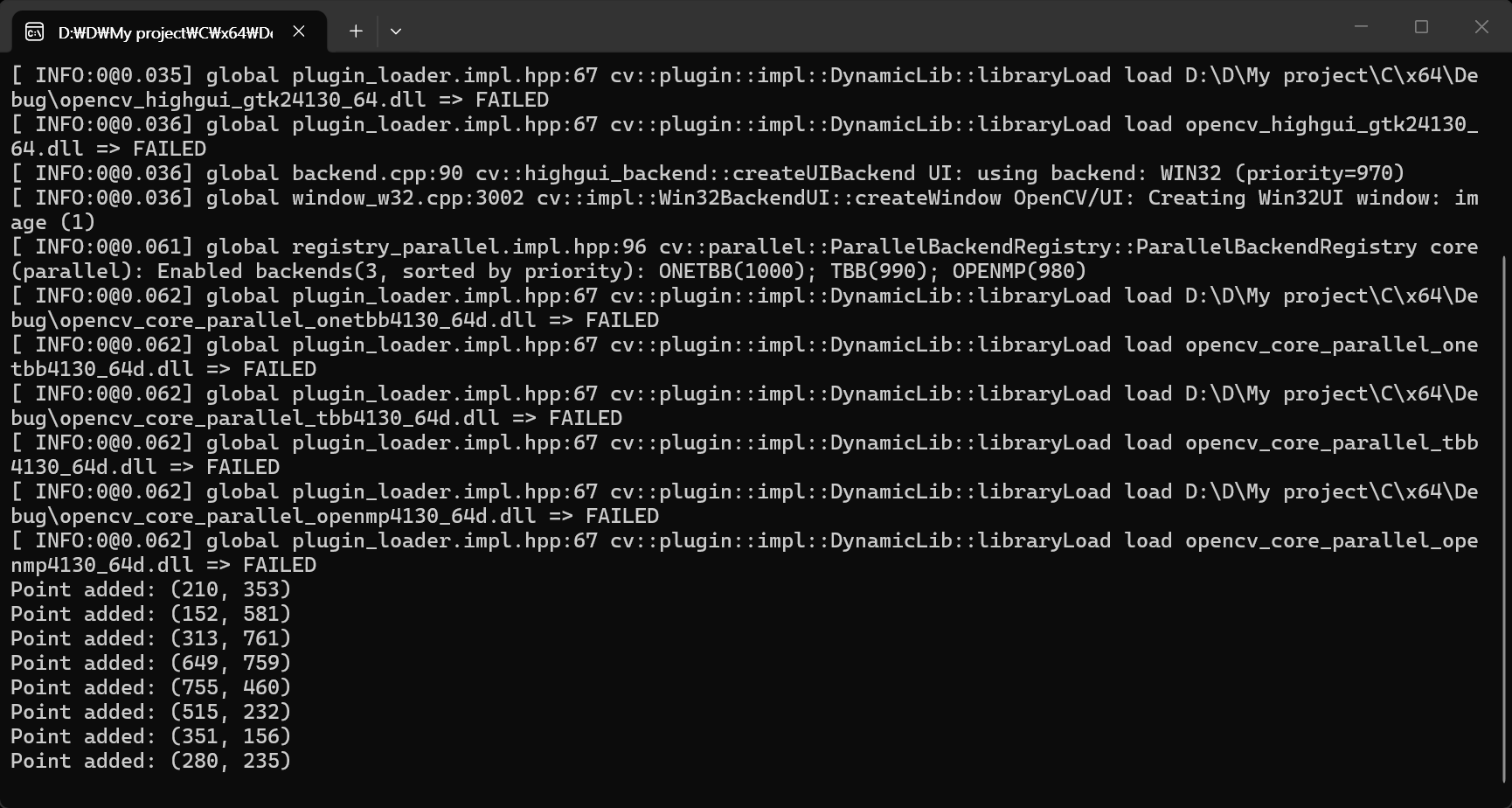
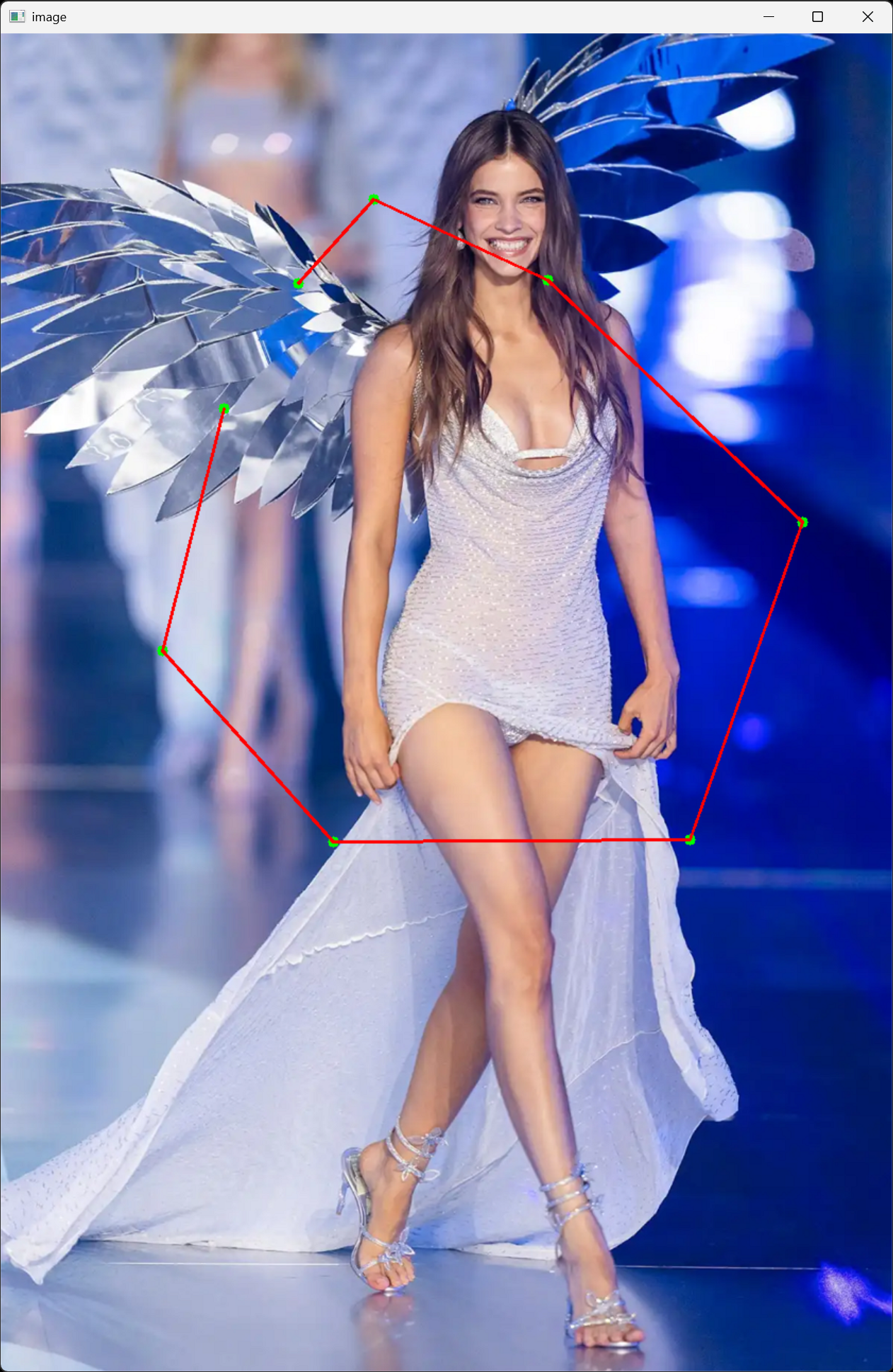
#include <iostream>
#include <opencv2/opencv.hpp>

void onMouse(int event, int x, int y, int flags, void* userdata)
{
	static std::vector<std::pair<cv::Point, cv::Scalar>> points; // Store points along with their colors
	cv::Scalar color(0, 255, 0); // Default color is green
	cv::Mat* img = (cv::Mat*)userdata; // Cast the user data to a pointer to cv::Mat

	switch (event)
	{
	case cv::EVENT_LBUTTONDOWN:
		if (flags & cv::EVENT_FLAG_CTRLKEY) // Check if Ctrl key is pressed
			color = cv::Scalar(255, 0, 0); // Blue color if Ctrl is pressed

		points.push_back(std::make_pair(cv::Point(x, y), color));
		std::cout << "Point added: (" << x << ", " << y << ") with color "
			<< (color == cv::Scalar(0, 255, 0) ? "Green" : "Blue") << std::endl;

		break;

	case cv::EVENT_RBUTTONDOWN:
		if (!points.empty())
		{
			points.pop_back(); // Remove the last point if right button is clicked
			std::cout << "Last point removed" << std::endl;
			*img = cv::imread("palvin1.png"); // Reload the original image to clear drawings
		}
		break;
	}

	// Draw points
	for (const std::pair<cv::Point, cv::Scalar>& point_color_pair : points)
		cv::circle(*(cv::Mat*)userdata, point_color_pair.first, 5, point_color_pair.second, -1);
	// userdata로도 접근 가능하지만, img 포인터로도 접근 가능

	// Draw lines between points
	if (points.size() >= 2)
		for (int i = 0; i < points.size() - 1; i++)
			cv::line(*img, points[i].first, points[i + 1].first, cv::Scalar(0, 0, 255), 2);

	cv::imshow("image", *(cv::Mat*)userdata);
}

int main()
{
	cv::Mat image = cv::imread("palvin1.png");
	cv::namedWindow("image");
	cv::setMouseCallback("image", onMouse, (void*)&image);

	cv::imshow("image", image);

	cv::waitKey(0);
	cv::destroyAllWindows();

	return 0;
}
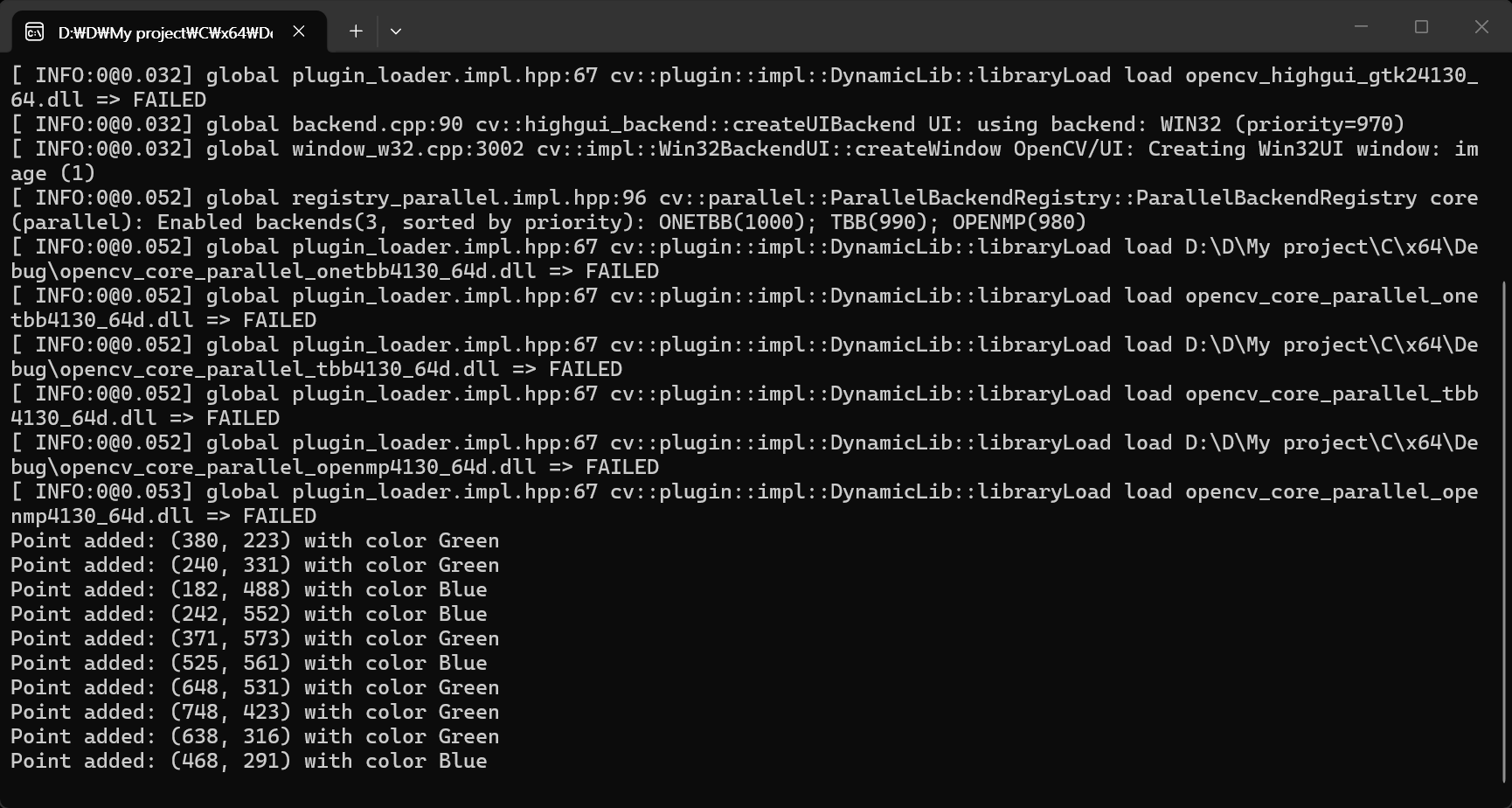
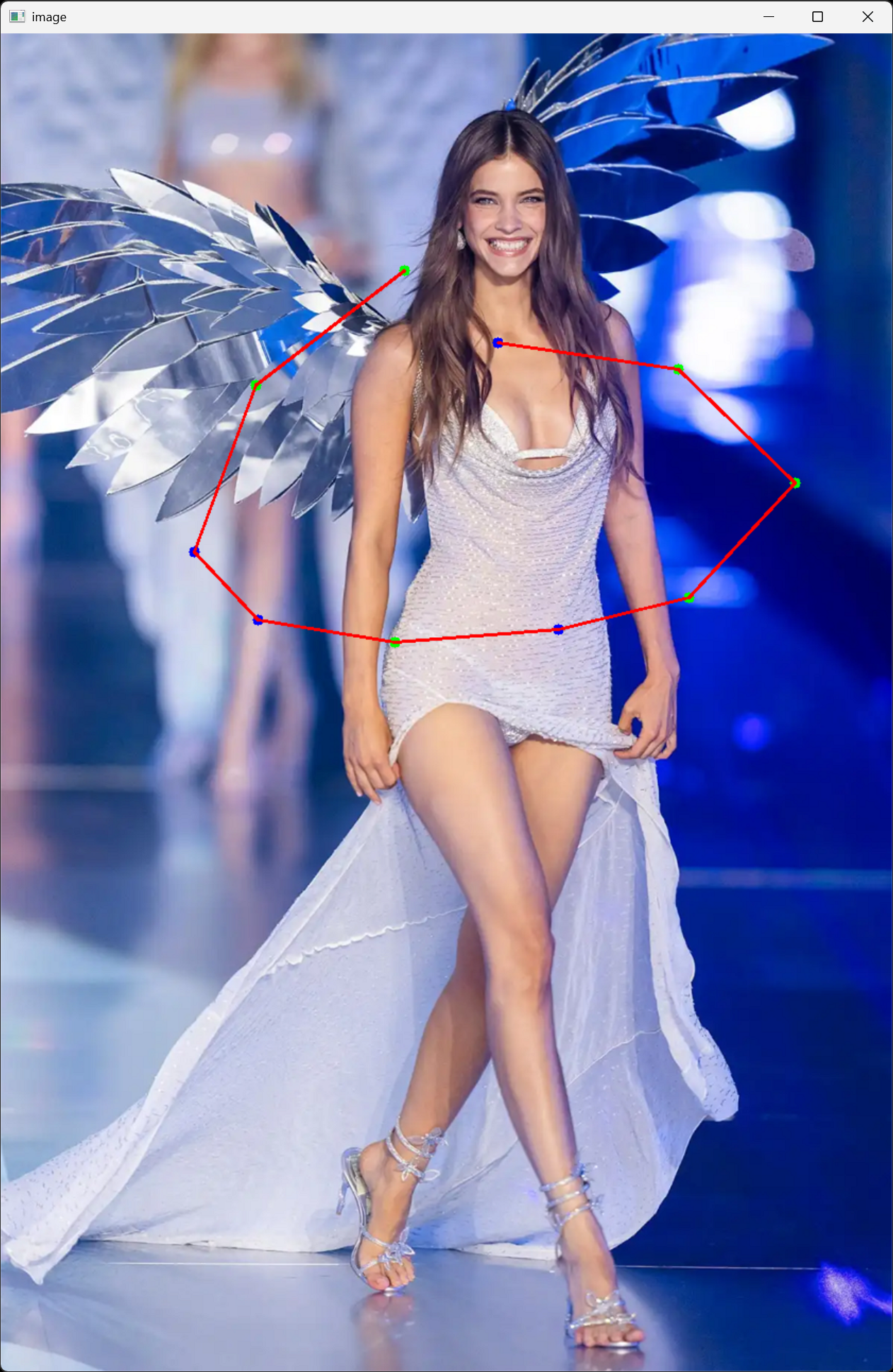
#include <iostream>
#include <opencv2/opencv.hpp>

std::vector<cv::Point> points;

void onMouse(int event, int x, int y, int flags, void* userdata)
{
	cv::Scalar color(0, 255, 0); // Green color for drawing
	cv::Mat* img = (cv::Mat*)userdata; // Cast the user data to a pointer to cv::Mat

	switch (event)
	{
	case cv::EVENT_LBUTTONDOWN:
		points.push_back(cv::Point(x, y));
		std::cout << "Point added: (" << x << ", " << y << ")" << std::endl;

		break;

	case cv::EVENT_RBUTTONDOWN:
		if (!points.empty())
		{
			points.pop_back(); // Remove the last point if right button is clicked
			std::cout << "Last point removed" << std::endl;
			*img = cv::imread("palvin1.png"); // Reload the original image to clear drawings
		}
		break;
	}

	// Draw points
	for (const cv::Point& point : points)
		cv::circle(*(cv::Mat*)userdata, point, 5, color, -1);
	// userdata로도 접근 가능하지만, img 포인터로도 접근 가능

	// Draw lines between points
	if (points.size() >= 2)
		for (int i = 0; i < points.size() - 1; i++)
			cv::line(*img, points[i], points[i + 1], cv::Scalar(0, 0, 255), 2);

	cv::imshow("image", *(cv::Mat*)userdata);
}

int main()
{
	cv::Mat image = cv::imread("palvin1.png");
	cv::Mat mask = cv::Mat::zeros(image.size(), CV_8UC1);
	cv::Mat result = cv::Mat::zeros(image.size(), image.type());
	cv::Mat roi;

	cv::Rect rect;

	cv::namedWindow("image");
	cv::setMouseCallback("image", onMouse, (void*)&image);

	cv::imshow("image", image);

	while (true)
	{
		int key = cv::waitKey(10);
		if (key == 27) // ESC key
			break;

		switch (key)
		{
			// c키를 누르면 모든 점을 지우고 원본 이미지를 다시 불러와서 초기화
		case 'c':
			points.clear(); // Clear all points if 'c' key is pressed
			image = cv::imread("palvin1.png"); // Reload the original image to clear drawings

			mask.setTo(0); // Clear the mask as well
			cv::imshow("image", image);
			if (cv::getWindowProperty("mask", cv::WND_PROP_VISIBLE) == 1) // Check if the mask window is open
				cv::imshow("mask", mask); // Clear the mask display as well

			result.setTo(0); // Clear the result image as well
			if (cv::getWindowProperty("result", cv::WND_PROP_VISIBLE) == 1) // Check if the result window is open
				cv::imshow("result", result); // Clear the result display as well

			roi.setTo(0); // Clear the ROI image as well
			if (cv::getWindowProperty("ROI", cv::WND_PROP_VISIBLE) == 1) // Check if the ROI window is open
				cv::imshow("ROI", roi); // Clear the ROI display as well

			break;

			// m키를 누르면 points 벡터에 저장된 점들을 이용하여 mask 이미지를 채우고, mask 이미지를 화면에 표시
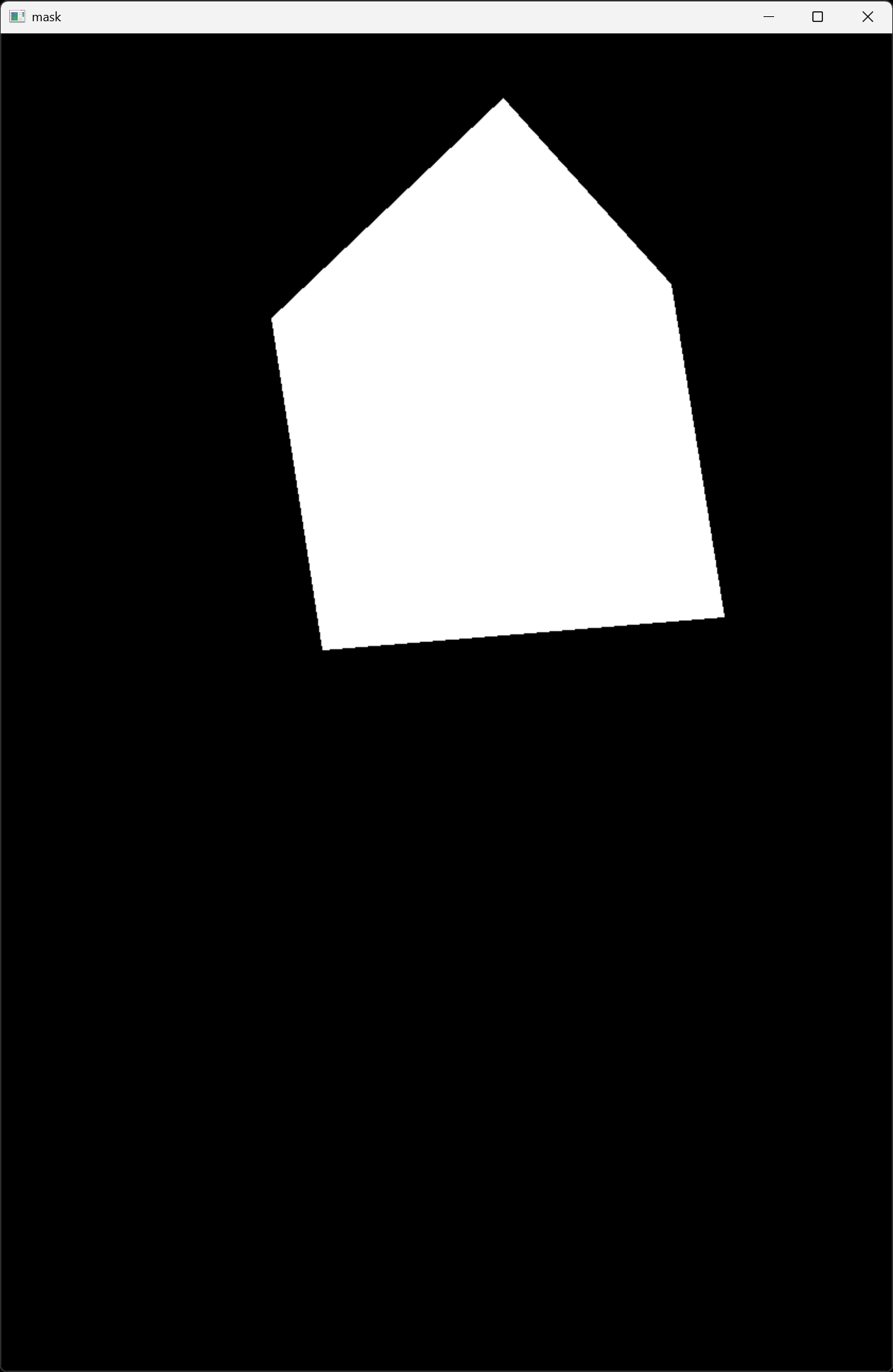
		case 'm':
			mask.setTo(0); // Clear the mask before filling
			cv::fillPoly(mask, points, cv::Scalar(255)); // Fill the polygon defined by points
			cv::imshow("mask", mask);

			break;

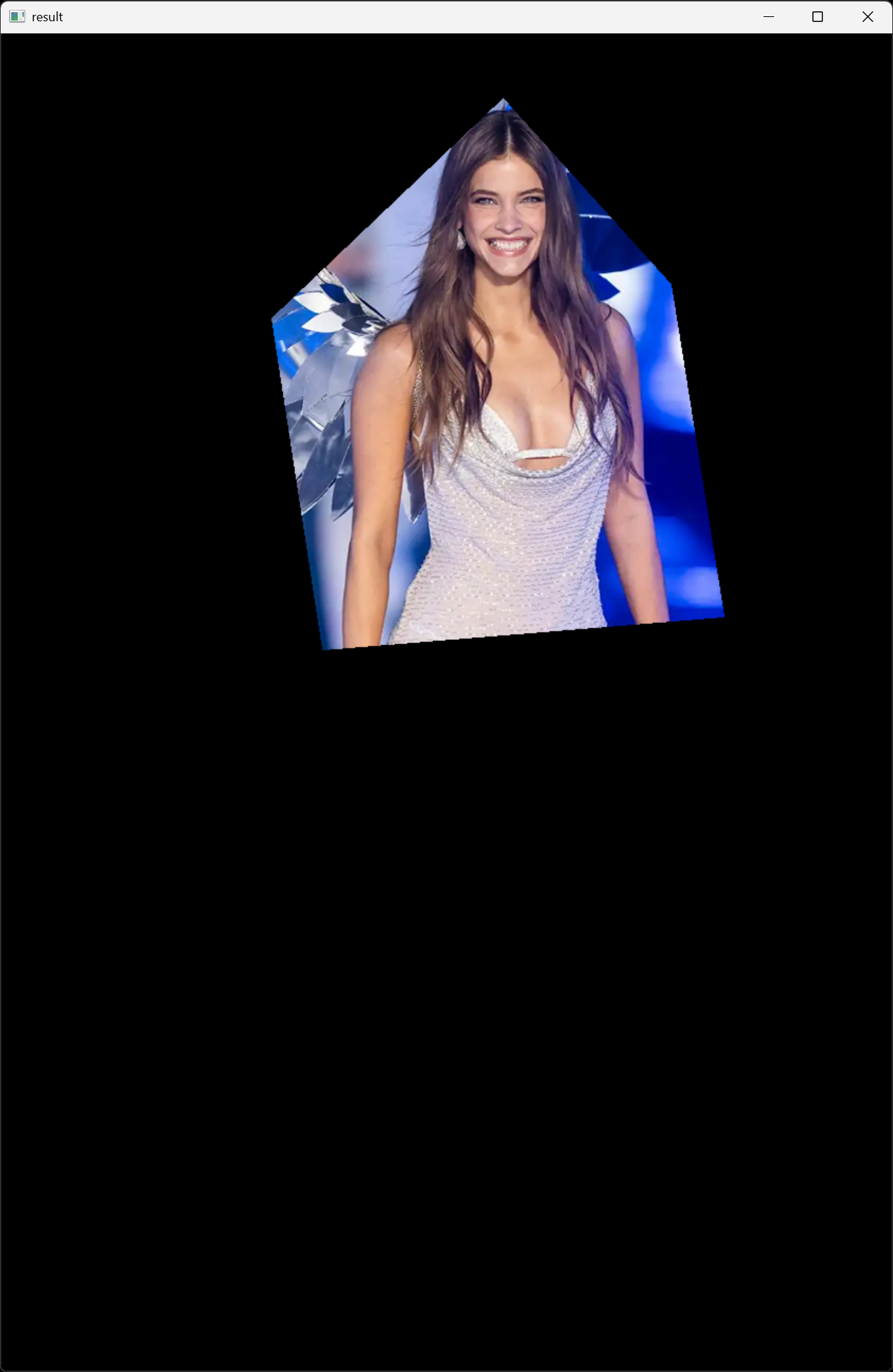
			// r키를 누르면 mask 이미지를 이용하여 원본 이미지에서 해당 영역을 추출하여 result 이미지에 저장하고, result 이미지를 화면에 표시
		case 'r':
			image = cv::imread("palvin1.png"); // Reload the original image to clear drawings
			result.setTo(0); // Clear the result image before copying
			image.copyTo(result, mask); // Copy the masked area to the result image
			//cv::bitwise_and(image, image, result, mask); // Apply the mask to the image
			cv::imshow("result", result);

			break;

		case 'i':
			rect = cv::boundingRect(points); // Get the bounding rectangle of the points
			roi = result(rect);
			cv::imshow("ROI", roi);

			break;

		default:
			break;
		}
	}

	cv::destroyAllWindows();

	return 0;
}

※ 참고
2026.03.13 - [분류 전체보기] - [OpenCV] Select Region of Interest ROI 선택
2026.03.11 - [OpenCV] - [OpenCV] Polygon Mask 폴리곤 마스크 1
반응형
'Computer Vision' 카테고리의 다른 글
| [OpenCV] Tesseract OCR C++ 문자, 숫자 인식 (0) | 2026.03.15 |
|---|---|
| [OpenCV] Object Tracking 객체 추적 (0) | 2026.03.13 |
| [OpenCV] Polygon Mask 폴리곤 마스크 1 (0) | 2026.03.11 |
| [OpenCV] Analog Gauge Reading 아날로그 게이지 바늘 값 읽기 (0) | 2026.03.06 |
| [OpenCV] Structuring Element 구조적 요소 (0) | 2026.02.23 |