


[OpenCV] Pixels on the line 라인 위의 모든 점 찾기
Computer Vision 2026. 3. 19. 00:45 |반응형
라인 위의 모든 점의 좌표를 찾아보자.
#include <iostream>
#include <opencv2/opencv.hpp>

int main() {
	cv::Mat img = cv::Mat::zeros(480, 640, CV_8UC3);
	cv::Point p1(100, 100);
	cv::Point p2(500, 300);

	// LineIterator 생성 (이미지, 시작점, 끝점, 8-connectivity)
	cv::LineIterator it(img, p1, p2, 8);
	// connectivity: Pixel connectivity of the iterator.
	// Valid values are 4 (iterator can move up, down, left and right)
	// and 8 (iterator can also move diagonally).
	//
	// The number of pixels along the line is stored in LineIterator::count.
	// The method LineIterator::pos returns the current position in the image

	std::vector<cv::Point> linePoints;
	for (int i = 0; i < it.count; i++, ++it) {
		// 현재 위치의 좌표를 벡터에 저장
		linePoints.push_back(it.pos());

		// 선 그리기
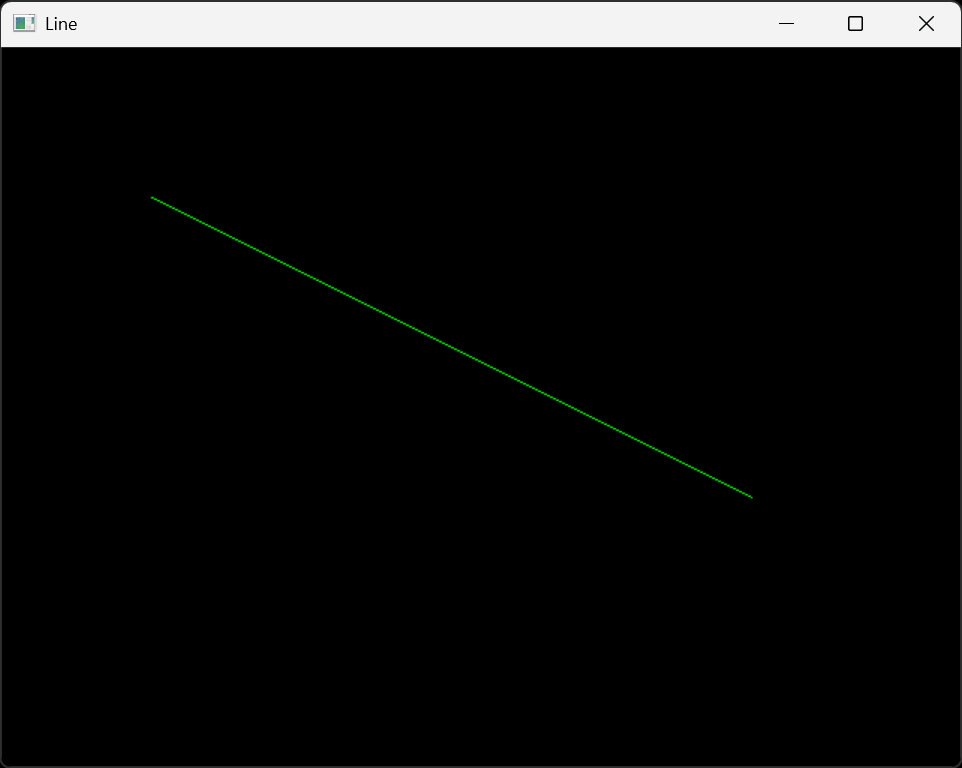
		img.at<cv::Vec3b>(it.pos()) = cv::Vec3b(0, 255, 0); // 초록색
	}

	// cv::norm 함수는 벡터의 크기를 계산하는 함수로, 두 점 사이의 거리를 계산할 때 사용할 수 있다.
	//double distance = cv::norm(p2 - p1);
	// 또는 cv::sqrt 함수를 사용하여 직접 계산할 수도 있다.
	cv::Point2f diff = p2 - p1;
	double distance = cv::sqrt(diff.x * diff.x + diff.y * diff.y);
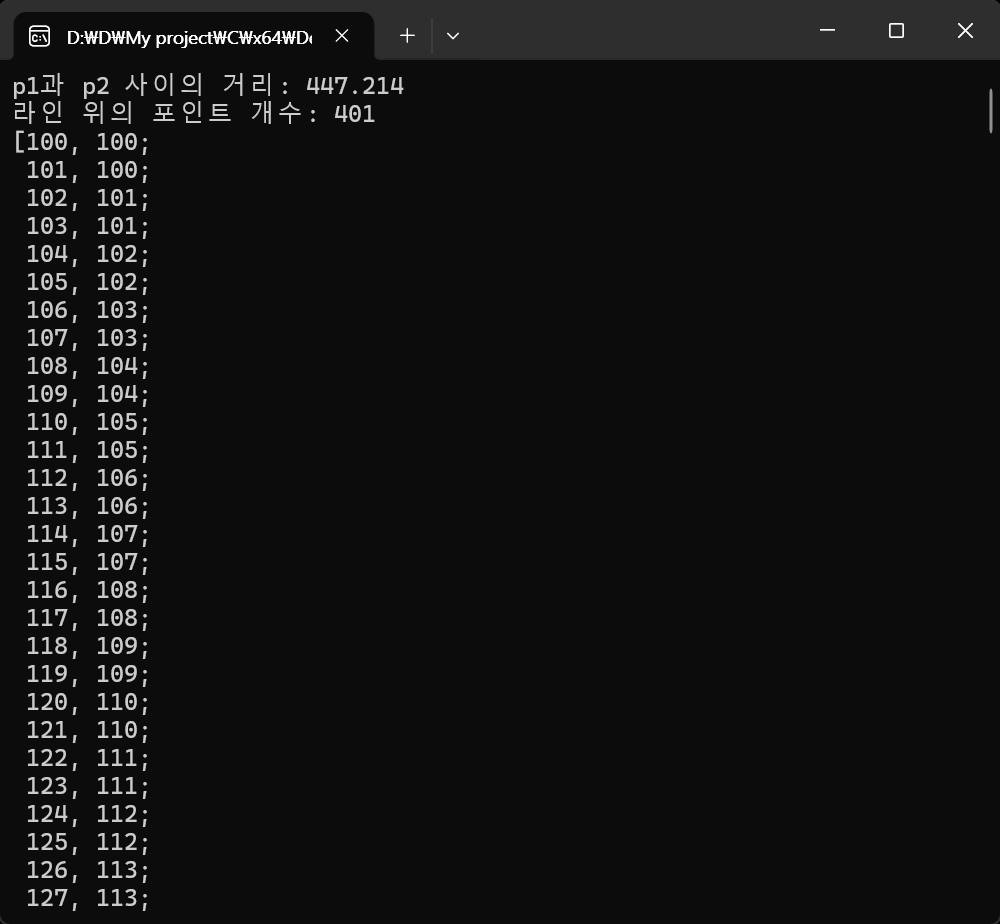
	std::cout << "p1과 p2 사이의 거리: " << distance << std::endl;

	std::cout << "라인 위의 포인트 개수: " << linePoints.size() << std::endl;
	std::cout << linePoints << std::endl;

	cv::imshow("Line", img);
	cv::waitKey(0);

	return 0;
}
※ 참고
반응형
'Computer Vision' 카테고리의 다른 글
| [OpenCV] Polygon Mask 폴리곤 마스크 3 (0) | 2026.03.19 |
|---|---|
| [OpenCV] Projection 선분 위 수선의 발 (0) | 2026.03.19 |
| [OpenCV] Tesseract OCR C++ 문자, 숫자 인식 (0) | 2026.03.15 |
| [OpenCV] Object Tracking 객체 추적 (0) | 2026.03.13 |
| [OpenCV] Polygon Mask 폴리곤 마스크 2 (0) | 2026.03.11 |