


[Arduino] USB to UART 사용 컴퓨터 시리얼 통신
Embedded 2026. 5. 22. 15:12 |반응형
USB to UART Converter를 사용해 시리얼 통신을 해 보자.
UART: 통신 프로토콜(방법)
TTL: 신호(전압) 레벨
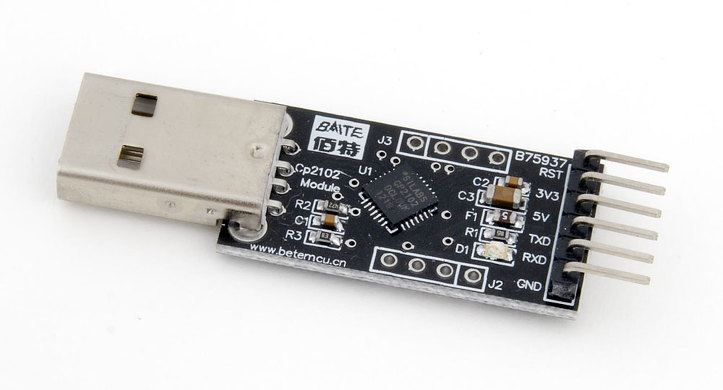
링크에서 드라이버를 다운로드받거나 아래 파일을 다운로드받고 설치한다.
 CP210x_Windows_Drivers.zip
6.84MB
CP210x_Windows_Drivers.zip
6.84MB
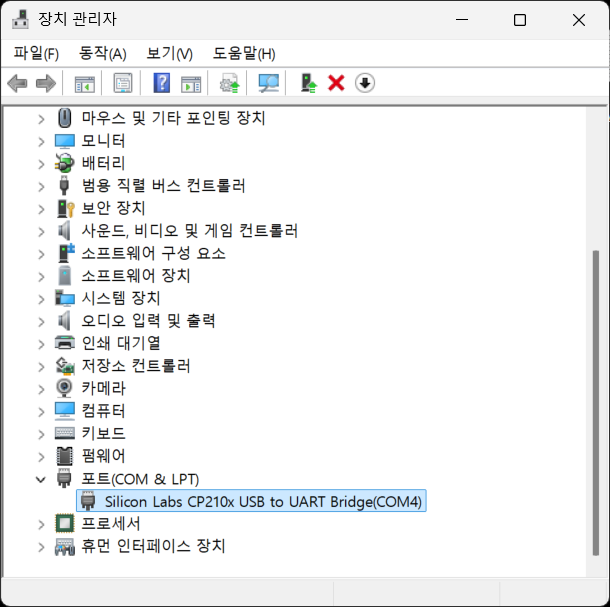
FIS Sensor를 연결하고 테스트해 보자.
| FIS Sensor | USB to UART Converter |
| 1 VDD | 5V |
| 2 VSS(GND) | GND |
| 6 SERIAL | RXD |
| 7 RST | 5V |
센서 자체에서 시리얼 통신으로 데이터를 보내오기 때문에 아두이노 같은 컨트롤러가 필요 없다.
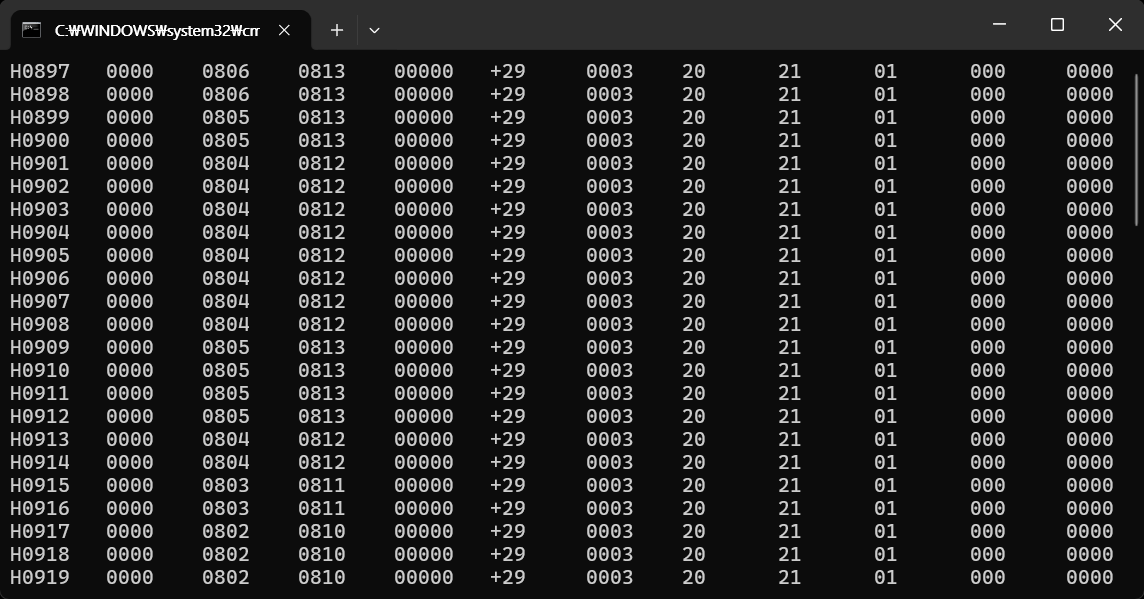
아래 파이썬 코드를 입력하고 실행한다.
import serial
import time
import sys

try:
    serialPort = serial.Serial('COM4', 9600, 8, 'N', 1, timeout=1)
    # 시리얼 통신 설정. COM4 포트, 9600 보드레이트, 8 데이터 비트, 패리티 없음, 1 스톱 비트, 타임아웃 1초.
    time.sleep(2)  # 시리얼 연결이 초기화될 때까지 대기

except Exception as e:
    print("Serial error: ", e)
    sys.exit(0)

while (serialPort.readable()): # 시리얼 포트가 읽을 수 있는 상태인지 확인.
    if (serialPort.in_waiting > 0): # 시리얼 버퍼에 대기 중인 데이터가 있는지 확인.
        print(serialPort.readline().decode("utf-8", errors="ignore"), end="")
        # readline() 메서드를 사용하여 시리얼 포트에서 한 줄씩 데이터를 읽고 UTF-8로 디코딩하여 출력.
        # 오류가 발생할 경우 무시하도록 설정.

    time.sleep(0.1)

serialPort.close()
반응형
'Embedded' 카테고리의 다른 글
| USB to Serial(RS232) Converter KW-880C (0) | 2026.05.31 |
|---|---|
| [Arduino] 사용중인 시리얼 포트 및 사용 프로세스 확인 (0) | 2026.05.24 |
| [RetroPie] Runcommand Script (0) | 2026.05.20 |
| [Arduino] FIS Low concentration solvent gas sensor module (0) | 2026.05.15 |
| [Arduino] Arduino Serial Communication with C# - 아두이노 시리얼 통신 3 (0) | 2026.05.09 |