


[Ollama] Ollama Backend Serve 백엔드 실행
AI, ML, DL 2026. 6. 14. 23:09 |반응형
Ollama가 미리 실행되어 있지 않을 때 백엔드를 실행하고 이미지를 분석해 보자.
import ollama
import requests
import time
import os
import subprocess

def is_ollama_running(url="http://localhost:11434"):
    try:
        response = requests.get(url)
        return response.status_code == 200
    except requests.ConnectionError:
        return False

def start_ollama():
    try:
        if os.name == 'nt': # Windows 환경
            # subprocess.Popen(["ollama", "serve"], shell=True)
            # 이렇게 하면 ollama 백엔드가 실행은되지만 cmd창에 프로그램 결과가 같이 출력되고, cmd창이 ollama 프로세스가 종료될 때까지 닫히지 않음.

            # 새로운 cmd 창을 띄워 ollama 프로세스를 따로 실행하고 창을 유지한다.
            subprocess.Popen(["start", "cmd", "/k", "ollama", "serve"], shell=True)
            #subprocess.Popen("start cmd /k ollama serve", shell=True)
            # cmd /k 는 명령 실행 후에도 종료되지 않고 창을 유지(Keep)시키는 옵션

        else: # macOS / Linux 환경
            subprocess.Popen(["ollama", "serve"])
        print("Ollama 백엔드를 실행 중입니다...")

        # 서버가 완전히 켜질 때까지 대기
        time.sleep(5)
    except Exception as e:
        print(f"Ollama 실행 중 오류 발생: {e}")

if not is_ollama_running():
    print("Ollama가 실행되어 있지 않습니다. 자동 실행을 시도합니다.")
    start_ollama()
else:
    print("Ollama 백엔드가 이미 실행 중입니다.")

# 모델이 존재하는지 확인하고 없으면 다운로드(Pull)
try:
    models_info = ollama.list()
    #print("Models:\n", models_info)  # 모델 정보 출력 (디버깅용)

    # ollama.list() 의 응답 형식에 따라 모델 이름 목록 추출 ('llava' 또는 'llava:latest' 등)
    existing_models = [m['model'] for m in models_info.get('models', [])]
    # [m['model'] for m in models_info.get('models', [])] 는 models_info 딕셔너리에서 'models' 키에
    # 해당하는 리스트를 가져와서, 각 모델(Model) 정보(m)에서 'model' 키의 값을 추출하여 새로운
    # 리스트(existing_models)를 만드는 코드이다. 이렇게 하면 existing_models 리스트에는 설치된
    # 모델들의 이름이 담기게 된다.

    # models_info의 내용:
    # models=[
    #   Model(model='bllossom-korean:latest', modified_at=datetime.datetime(2026, 6, 14, 12, 19, 14, 791297, tzinfo=TzInfo(32400)),
    #       digest='806749e0821a7bdf9ba640baf9f285d5c368246564ca754eaf8508c717910b51', size=2019377929,
    #       details=ModelDetails(parent_model='', format='gguf', family='llama', families=['llama'], parameter_size='3.2B', quantization_level='Q4_K_M')),
    #   Model(model='exaone-deep:latest', modified_at=datetime.datetime(2026, 6, 14, 12, 0, 7, 39358, tzinfo=TzInfo(32400)),
    #       digest='106afe416a9effa9570d04231c25192fc254ac1b51f0f1cafed20a32060958c9', size=4770665152,
    #       details=ModelDetails(parent_model='', format='gguf', family='exaone', families=['exaone'], parameter_size='7.8B', quantization_level='Q4_K_M')),
    #   Model(model='llava:latest', modified_at=datetime.datetime(2026, 6, 14, 10, 58, 59, 368284, tzinfo=TzInfo(32400)),
    #       digest='8dd30f6b0cb19f555f2c7a7ebda861449ea2cc76bf1f44e262931f45fc81d081', size=4733363377,
    #       details=ModelDetails(parent_model='', format='gguf', family='llama', families=['llama', 'clip'], parameter_size='7B', quantization_level='Q4_0'))
    # ]

    #print("Existing Models:", existing_models)  # 설치된 모델 목록 출력 (디버깅용)
    # Existing Models: ['bllossom-korean:latest', 'exaone-deep:latest', 'llava:latest']

    if not any('llava' in m for m in existing_models):
        answer = input("'llava' 모델이 설치되어 있지 않습니다. 다운로드를 시작하려면 'y'를 입력하세요: ")
        if answer.lower() == 'y':
            ollama.pull('llava')
            print("모델 다운로드 완료!")
        else:
            print("모델 다운로드를 취소했습니다. 프로그램을 종료합니다.")
            exit(0)
    else:
        print("'llava' 모델이 설치되어 있습니다.")

except Exception as e:
    print(f"모델 확인/다운로드 중 오류 발생: {e}")

try:
    response = ollama.chat(
        model='llava',
        messages=[
            {
                'role': 'system',
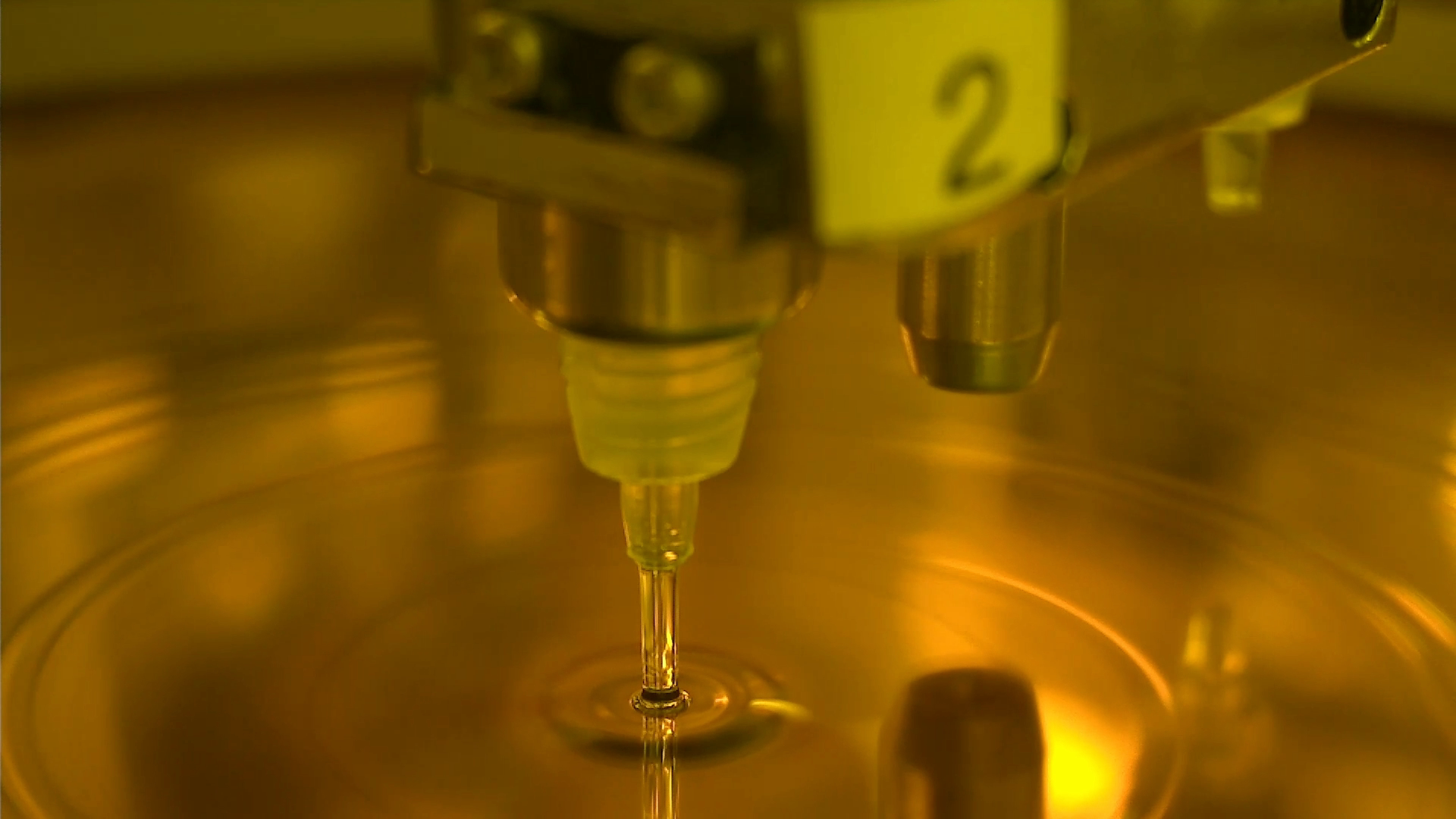
                'content': '너는 이미지 분석 전문가야. 주어지는 1개의 이미지는 반도체 제조 장비 챔버 내부의 노즐에서 웨이퍼 위에 용액을 뿌리는 상황이야.'
            },
            {
                'role': 'user',
                'content': '이미지를 분석해서 용액이 분사되는 노즐 바디에 약간 흐릿하게 적힌 숫자를 알려주고 전체적인 상황을 설명해줘.',
                'images': ["D:/D/My project/C/suck3.png"]
            }
        ]
    )
    print(f"■ 결과: {response['message']['content']}")

except Exception as e:
    print(f"채팅 중 오류 발생: {e}")
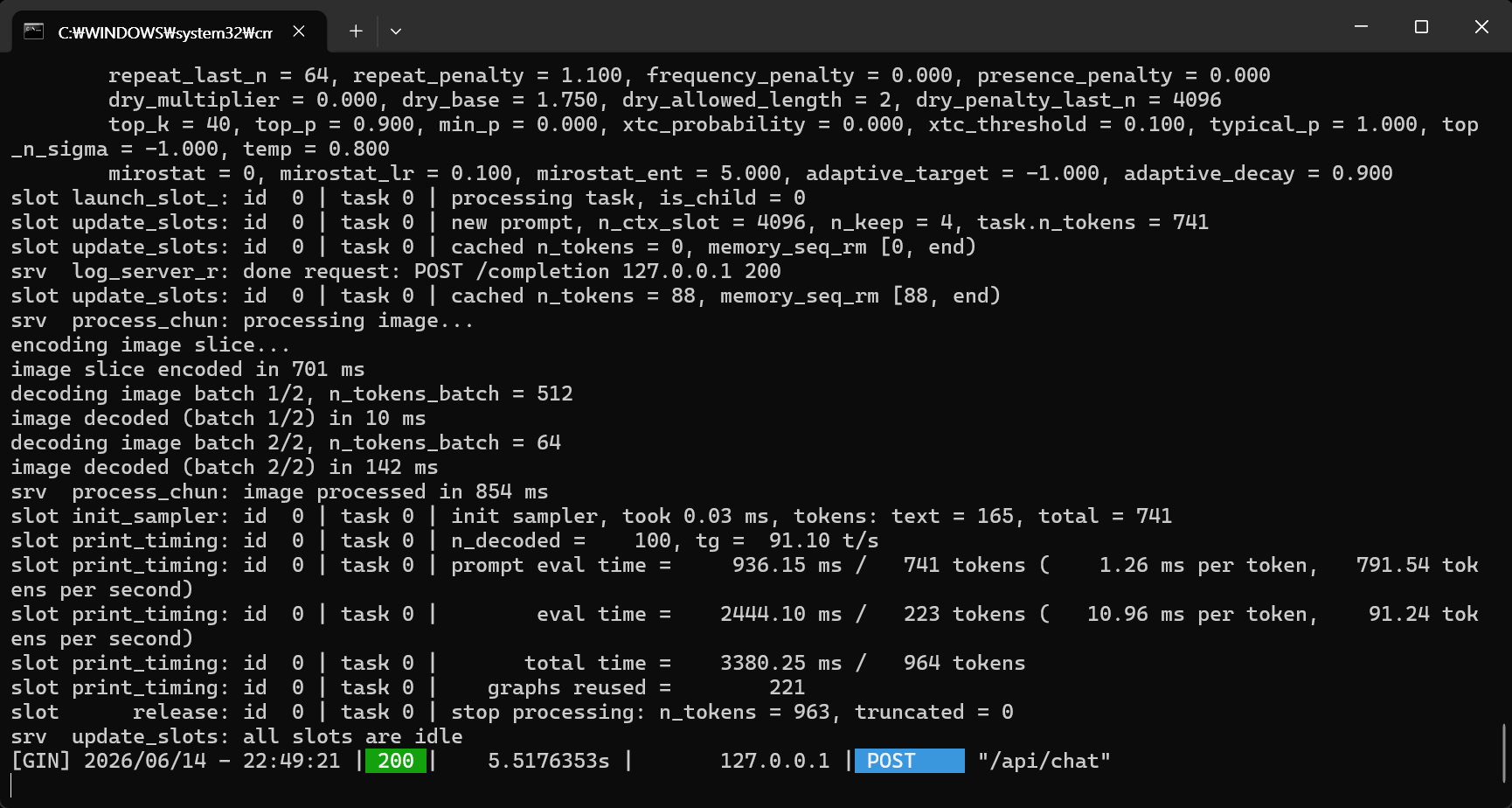
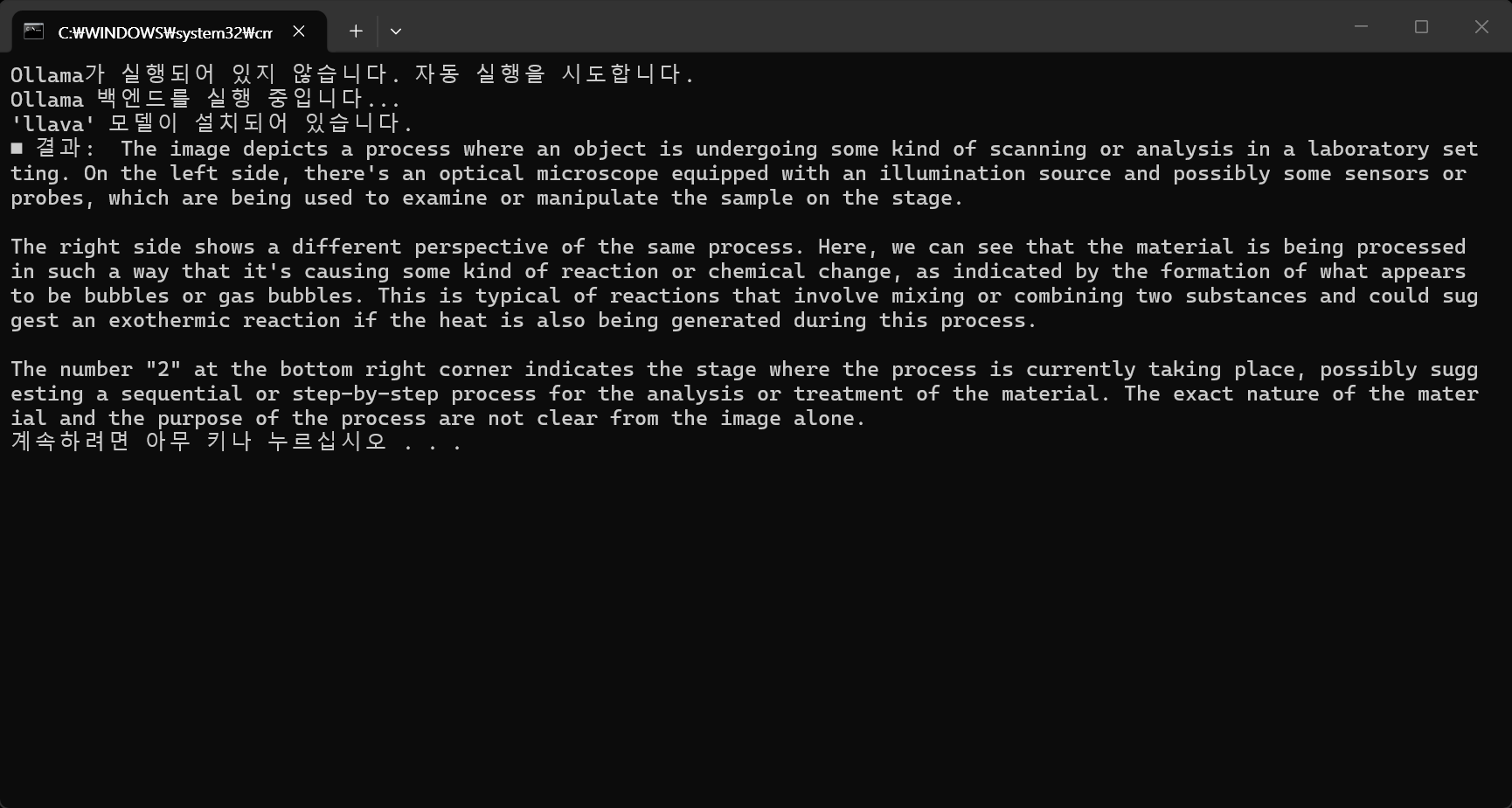

불필요한 추측을 하지 못하게 하고 자연스럽지 못한 한국어가 아닌 영어로 질문을 해 보자.
messages=[
    {
        'role': 'system',
        'content': 'You are an image analysis expert.'
    },
    {
        'role': 'user',
        'content': 'Do not provide any explanations. Analyze the image and tell me only the slightly blurred single number on the nozzle body where the solution is being sprayed.',
        'images': ["D:/D/My project/C/suck3.png"]
    }
]

messages=[
    {
        'role': 'system',
        'content': 'You are an image analysis expert.'
    },
    {
        'role': 'user',
        'content': 'Tell me the single number written on the nozzle body where the solution is being sprayed and analyze the image.',
        'images': ["D:/D/My project/C/suck3.png"]
    }
]

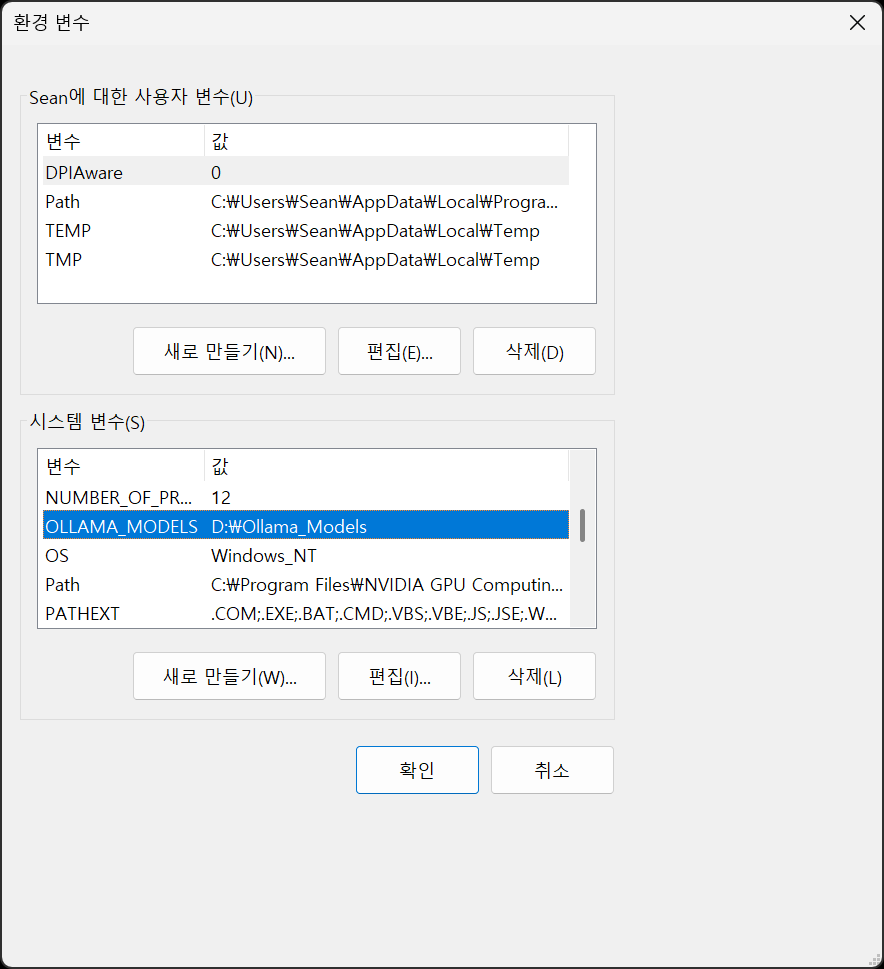
※ 참고
반응형
'AI, ML, DL' 카테고리의 다른 글
| [vLLM] WSL에서 vLLM 설치 및 간단한 실행 (1) | 2026.06.19 |
|---|---|
| [YOLO] YOLO-World (0) | 2026.06.16 |
| [Ollama] llava 동영상 분석 (0) | 2026.06.14 |
| [Ollama] Hugging Face 모델 설치 (Bllossom) (0) | 2026.06.14 |
| [Ollama] Ollama with Python 2 (0) | 2026.06.14 |